01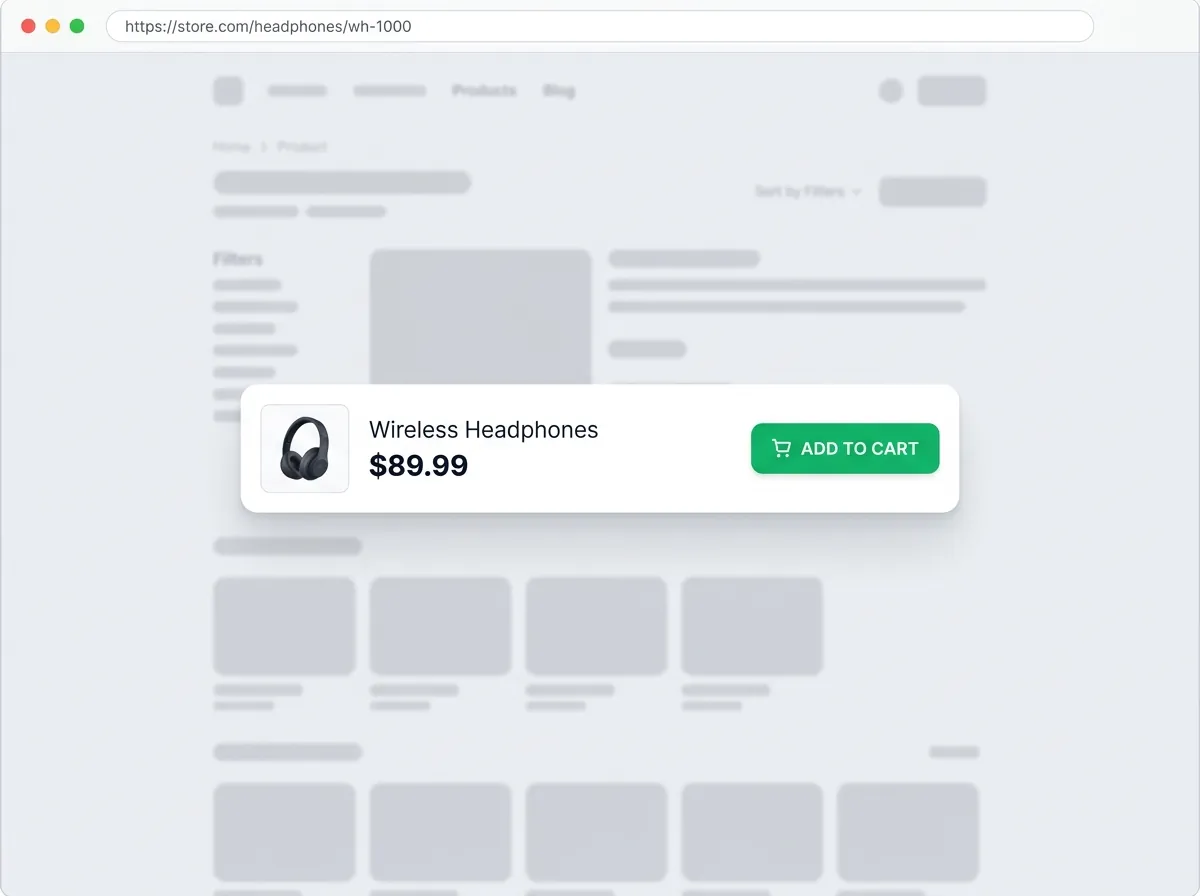
Keep the selected product and variant within reach while shoppers browse.
Dashboard numbers are sample data for demonstration and are not measured customer results.
Arquelo helps Shopify merchants improve product pages, increase conversion rate, and raise average order value with conversion-focused tools that work together.
Bring product media, customer stories and quantity offers together. Configure Arquelo inside Shopify admin, then make each block your own.
Ask ChatGPT to explain the toolkit and help you decide which blocks suit your store.
Ask ChatGPT about Arquelo Opens ChatGPT with a suggested question. AI answers can be inaccurate; verify details in our documentation and Shopify listing.Six configurable blocks to make your product pages work together. Explore each tool, then configure it inside Shopify admin.
Keep the selected product and variant within reach while shoppers browse.
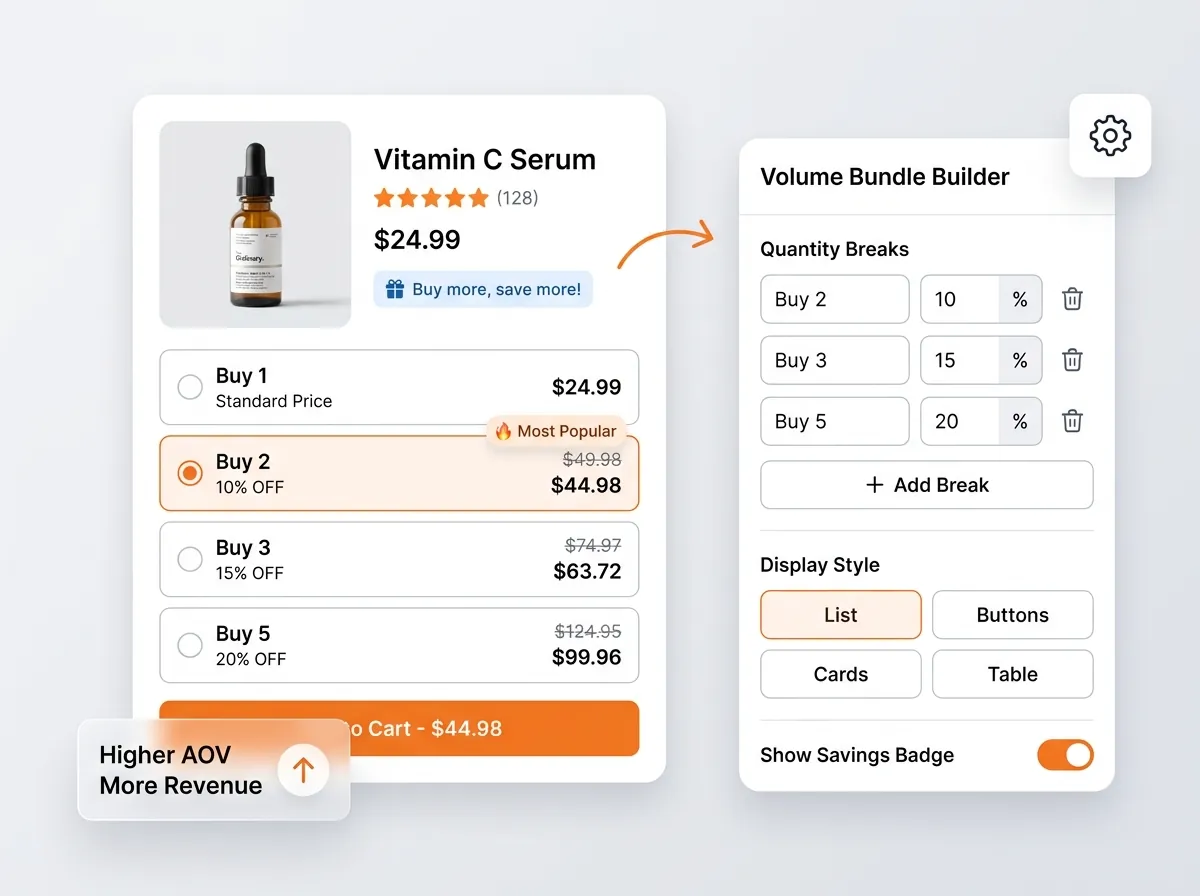
Configure quantity-based product discounts and show the available tiers. These are quantity offers, not multi-product bundle inventory.
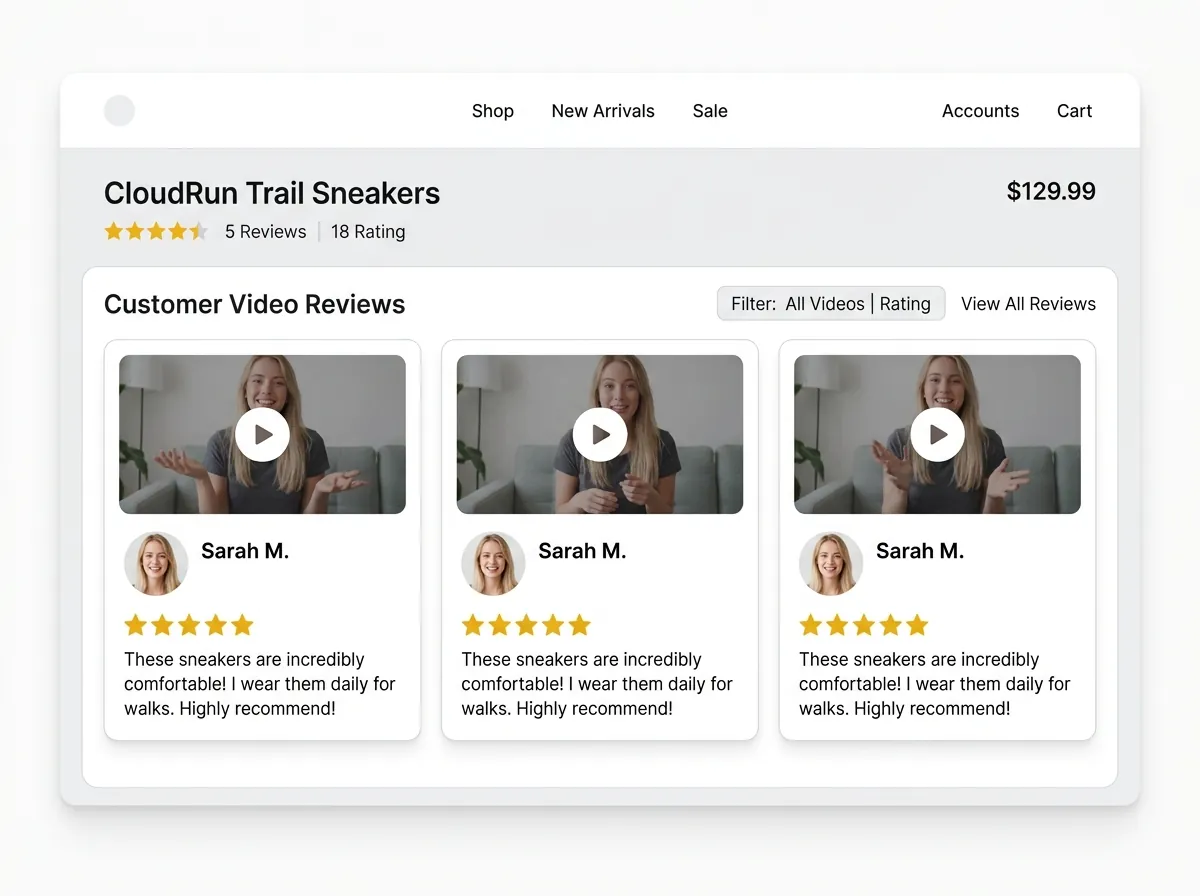
Display merchant-provided customer video reviews with permission to use the content.
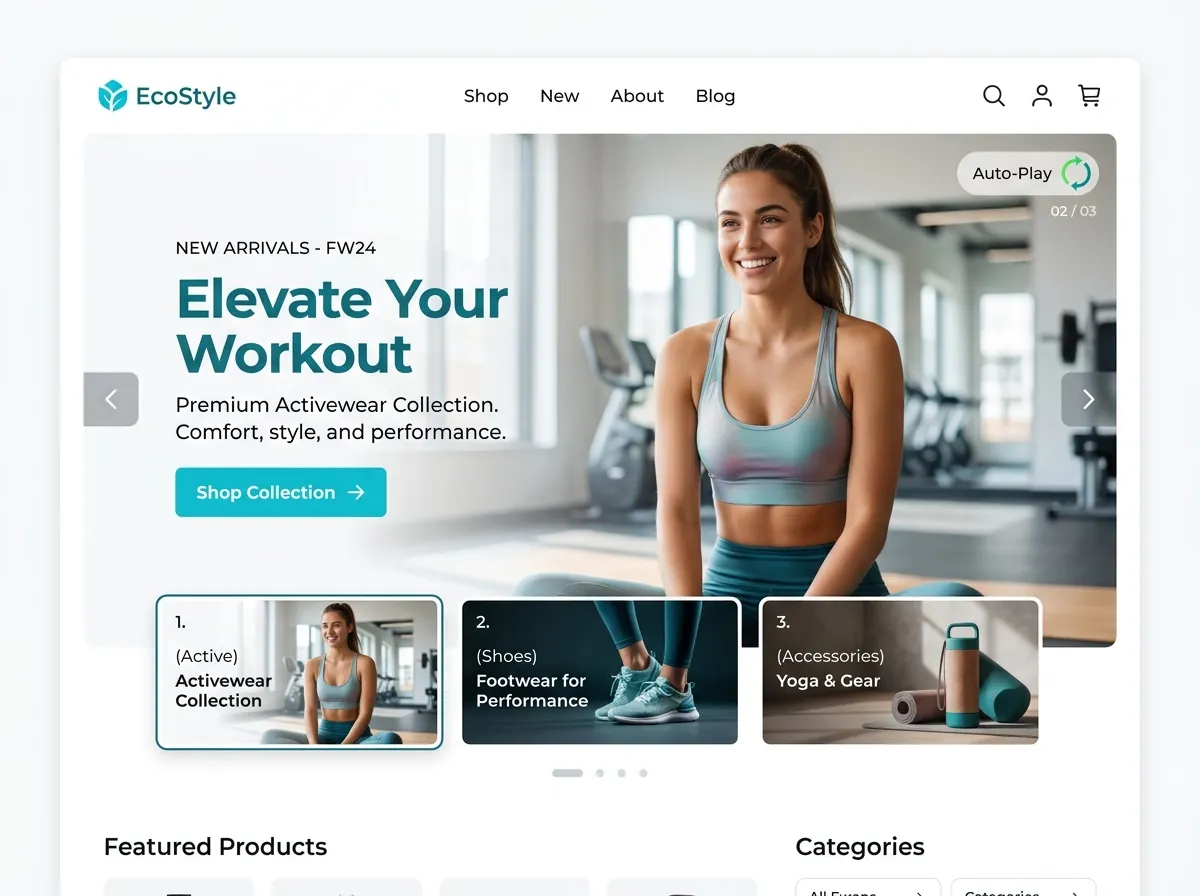
Build a product-specific slideshow with responsive media and appearance controls.
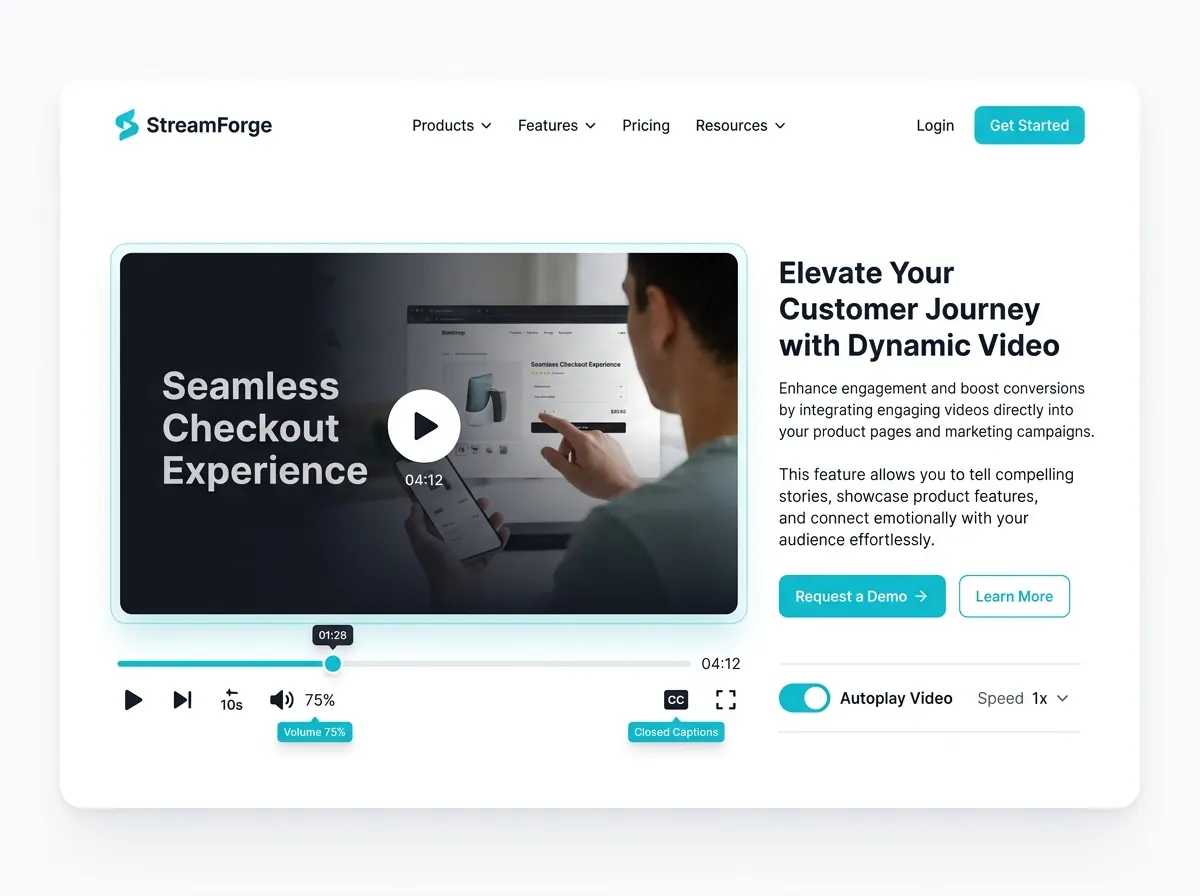
Present a product film with a poster and merchant-configurable text and controls.
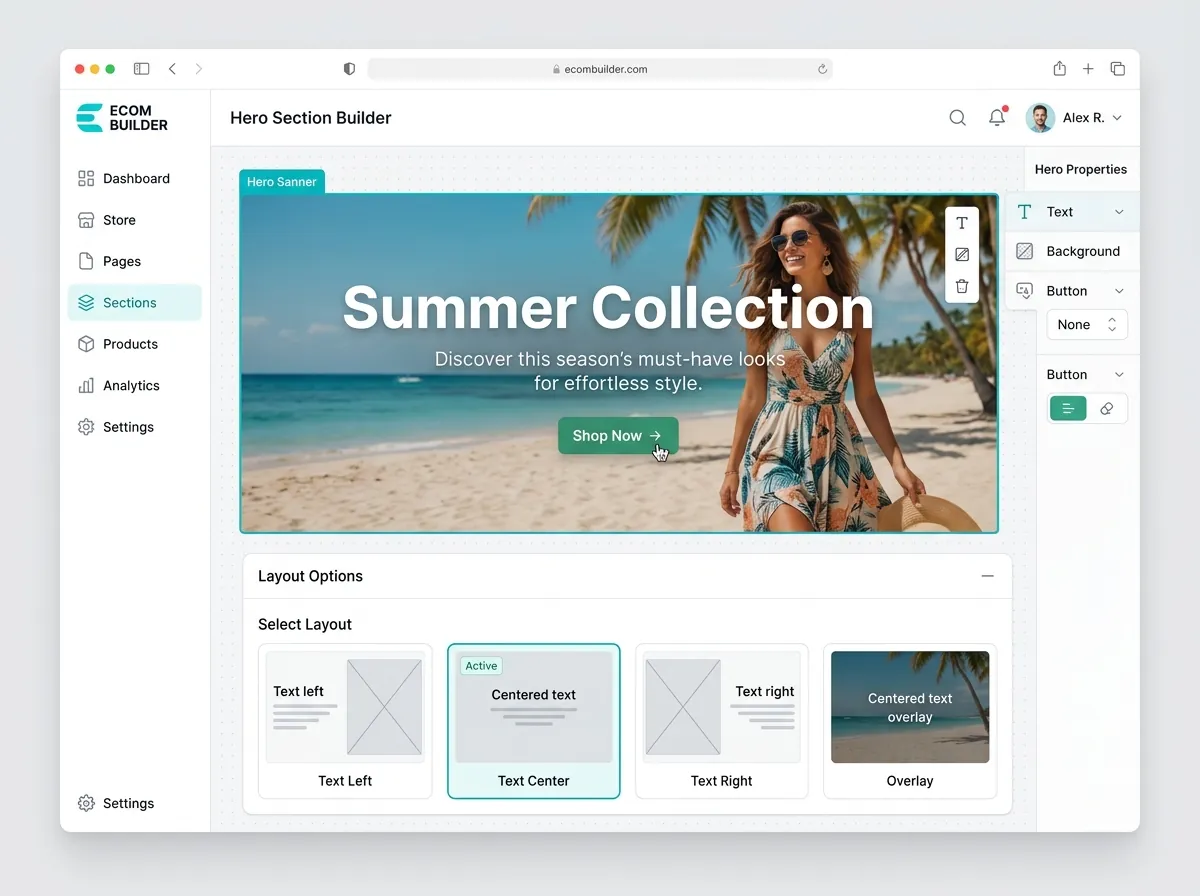
Pair product media with a clear description and call to action.
Previews illustrate the tools, not measured customer results. Optional storefront analytics respect Shopify privacy choices and merchant settings.
Showcase your products clearly and build confidence so more visitors choose to buy.
Use trust signals and authentic reviews to make your brand feel credible.
Make product pages easier to understand and more persuasive for first-time buyers.
Get support from a team that understands Shopify growth and merchant priorities.




Explore the app, check current pricing and read published merchant reviews in the Shopify App Store.
Explore Arquelo ↗Product media, quantity offers and buying actions — configured from Shopify admin.
Enjoy a user-friendly, intuitive interface and a seamless integration where all applications work together smoothly.
Email support@arquelo.com for help with setup, billing or a problem in your store. Include a clear description and avoid sharing customer records or credentials.
Measure storefront loading and interactions in your own Shopify theme. Performance depends on your content, theme, device and other installed apps.
Add supported storefront features through Shopify theme app extensions and preview each block before publishing your theme.
Everything you need to take the next step. Still wondering about something?
Talk to us →One app for product page optimization, trust-building, and upsell tools that help merchants convert more visitors.
Sticky add to cart, quantity offers, video reviews and media blocks.